

| Digital signature integration refers to the use of cryptographic e-signature technologies embedded into an organisation’s document systems to authenticate signers, secure file integrity and automate verification workflows. |
Every purchase order that gets printed, signed, scanned and emailed back steals minutes from your team and momentum from your business. Multiply that routine by hundreds of contracts, supplier forms and HR letters and the hidden cost of manual signing quickly balloons.
Swapping wet signatures for a well-chosen digital signature integration removes those bottlenecks, delivers an instant audit trail and frees staff to focus on growth-critical work.
Read on as we compare six practical tools so you can match features, integrations and pricing to your document workflow, then run a low-risk pilot with confidence.
Top 6 Digital Signature Tools For SMEs
Here are six reliable, SME-friendly digital signature tools that streamline approvals, strengthen compliance, and plug neatly into your existing systems:
1. DocuSign
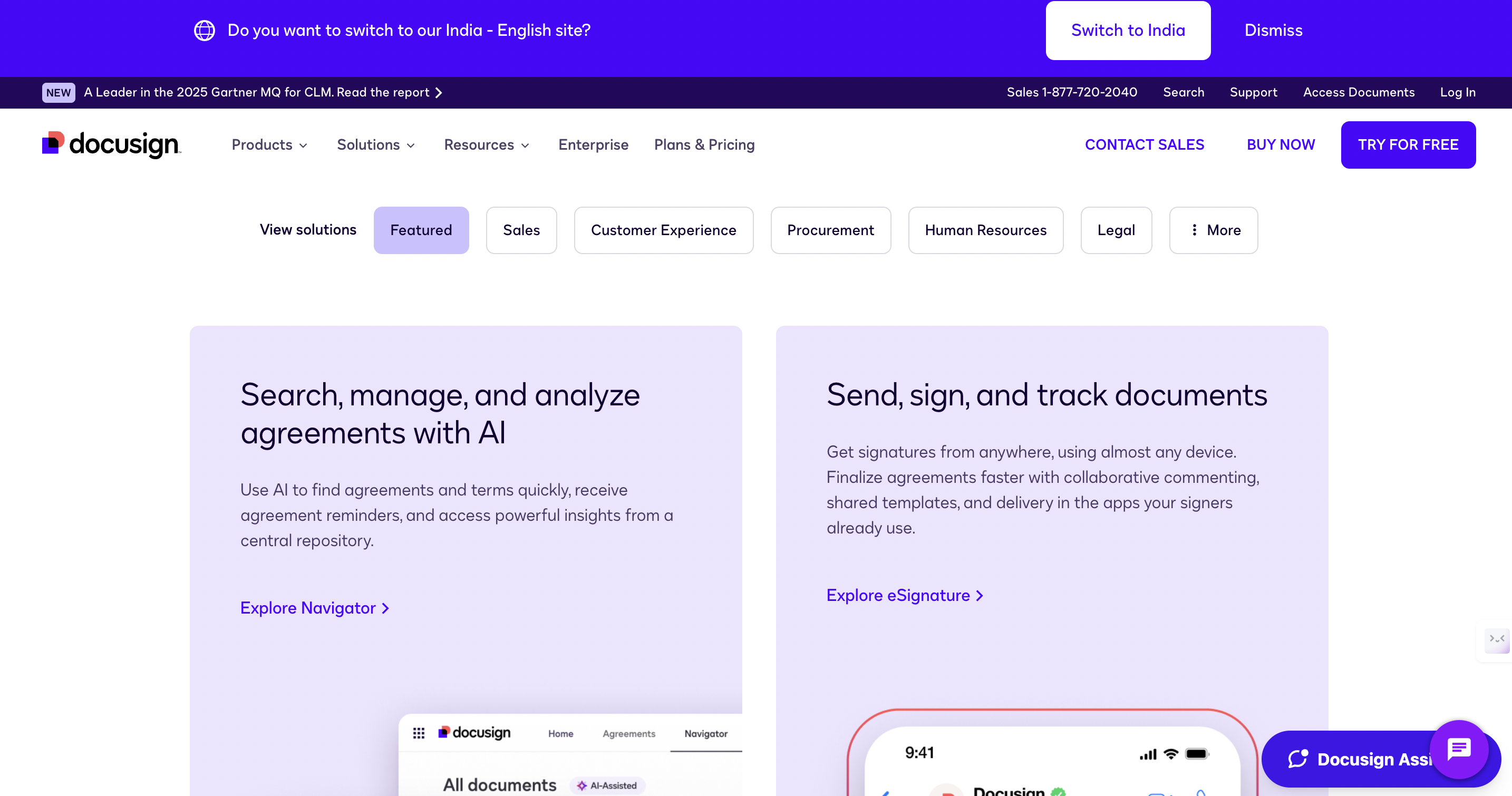
DocuSign is a veteran of the e-signature world and excels at integrating with almost any tech stack. Out-of-the-box connectors integrate with popular CRMs, accounting suites, and cloud drives, while templates and automated routing shave hours off repeat contracts.
- Best for: SMEs that juggle multiple apps and need reliable, repeatable workflows.
- Key Features:
- Reusable templates and conditional routing
- Real-time audit trail and tamper-evidence
- Marketplace of pre-built integrations and open APIs
- Considerations: The most valuable connectors sometimes sit behind higher pricing tiers, so map the integrations you truly need before subscribing.
2. Adobe Acrobat Sign
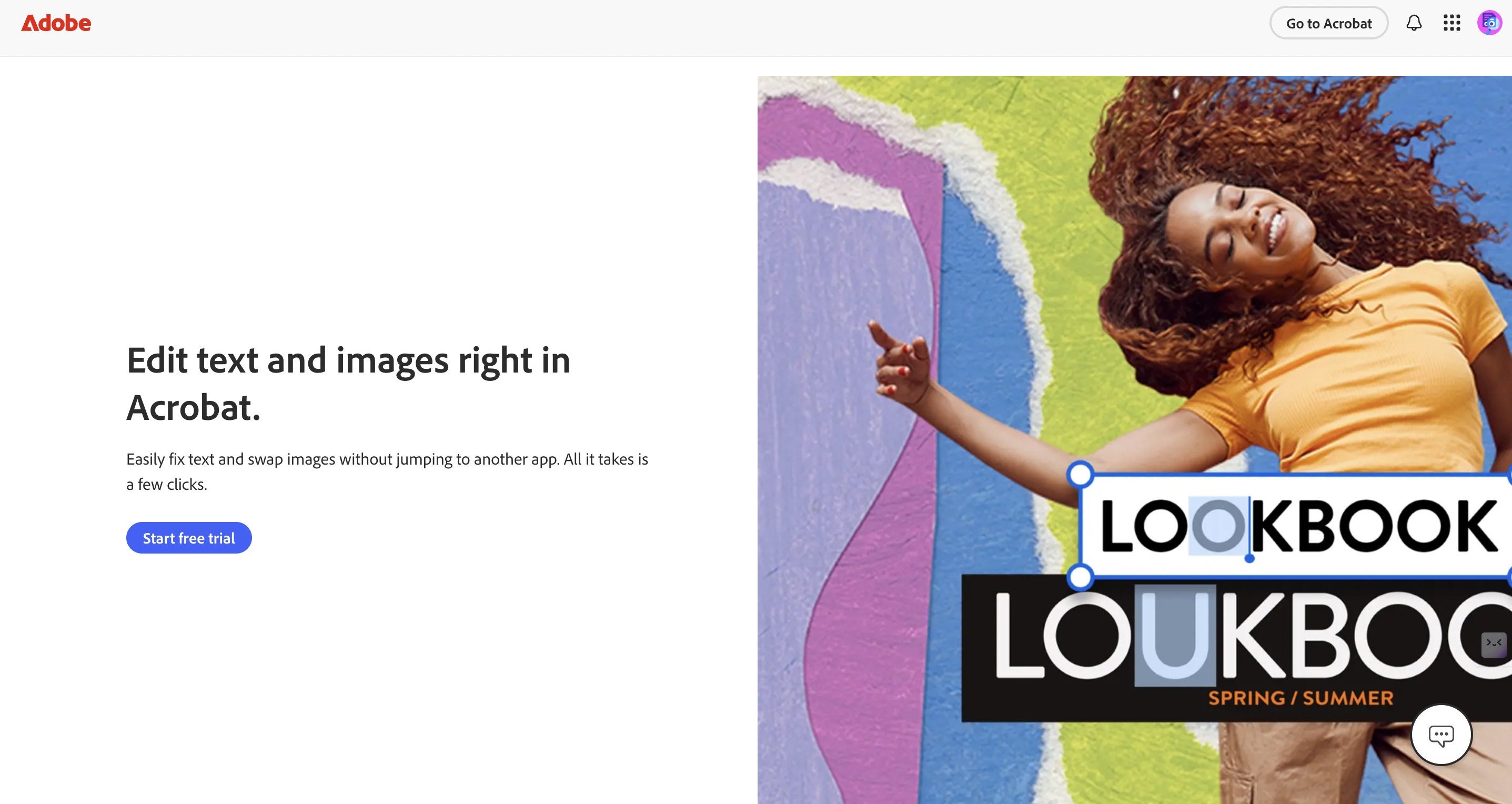
If your teams already create proposals or forms in Adobe Acrobat, Acrobat Sign slips neatly into that process. Users edit, protect and send for signature without switching tools, while the platform records granular audit logs for compliance-heavy sectors.
- Best for: Organisations that draft, review and finalise documents in Adobe products and want tight control over file integrity.
- Key features:
- Native integration with Acrobat and Creative Cloud apps
- Certificate-based digital signatures, where regulation demands
- Detailed revision history and traceability
- Considerations: Confirm that connectors for your specific CRM or cloud drive are available on your chosen plan.
3. SignEasy
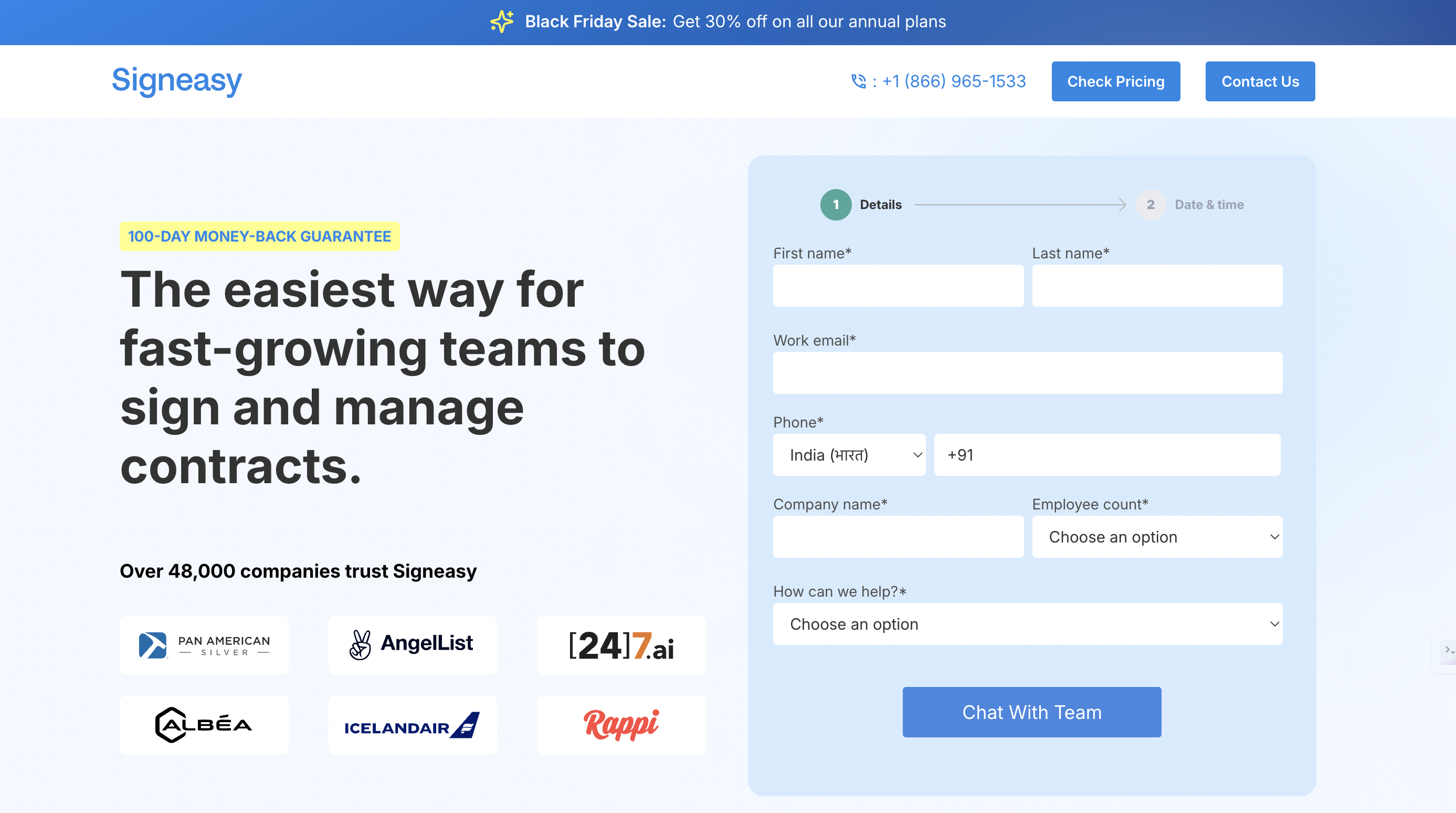
SignEasy focuses on speed and simplicity, making it ideal for sales reps, delivery teams and freelancers working from tablets and phones. Its mobile apps allow users to send, sign and return documents in minutes, even offline.
- Best for: Teams that need quick, on-the-go signing without complex approval chains.
- Key features:
- Intuitive mobile interface and offline signing
- Quick templates for invoices and simple forms
- Basic audit trail and email/SMS verification
- Considerations: The streamlined design is fantastic for simple agreements but may feel limited for multi-step contract lifecycles.
| Also Read: Top CRM & Helpdesk Tools That Work Seamlessly with Websites |
4. PandaDoc
PandaDoc merges document creation, collaboration and signing into a single workspace, cutting hand-offs between sales and legal. Built-in analytics track who opens each section of a proposal so teams can refine their pitch.
- Best for: Sales-focused SMEs that want to build, send and close proposals without jumping between apps.
- Key features:
- Drag-and-drop document builder and content library
- Real-time commenting and redlining
- Status tracking and automated reminders
- Considerations: Check whether its contract lifecycle management tools meet your legal team’s version-control needs before retiring existing systems.
5. Juro
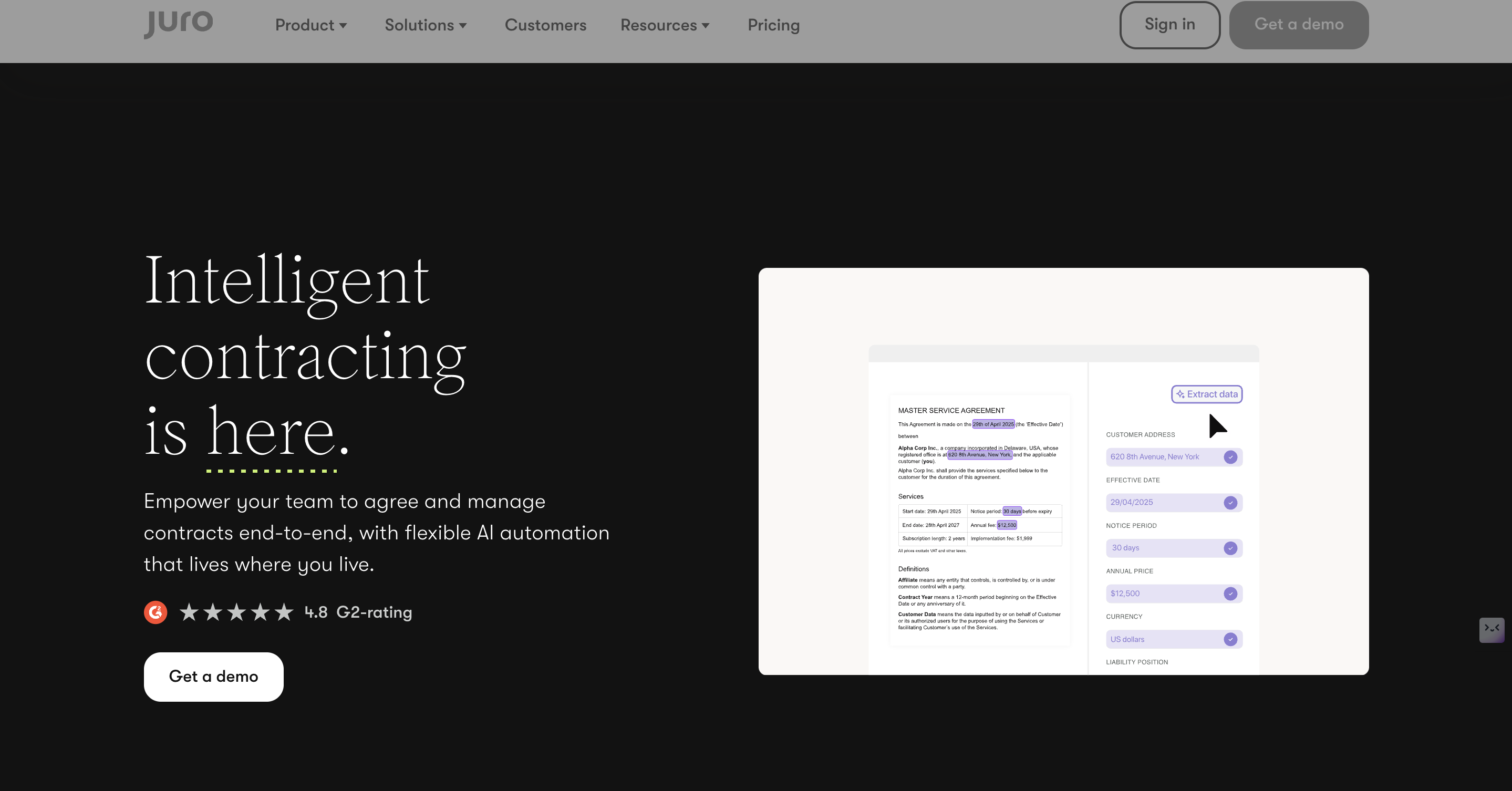
Juro is purpose-built for contract teams that need structure and governance. Clause libraries, collaborative editing and approval workflows keep negotiations flowing while preserving a clear version history.
- Best for: Legal-heavy SMEs handling numerous contracts, NDAs and supplier agreements.
- Key features:
- Centralised clause library for consistency
- Side-by-side version comparison
- Flexible approval routing with full audit trails
- Considerations: Ensure it integrates with your CRM, procurement, or HR platform so that signed contracts flow to the correct records automatically.
6. Xodo Sign
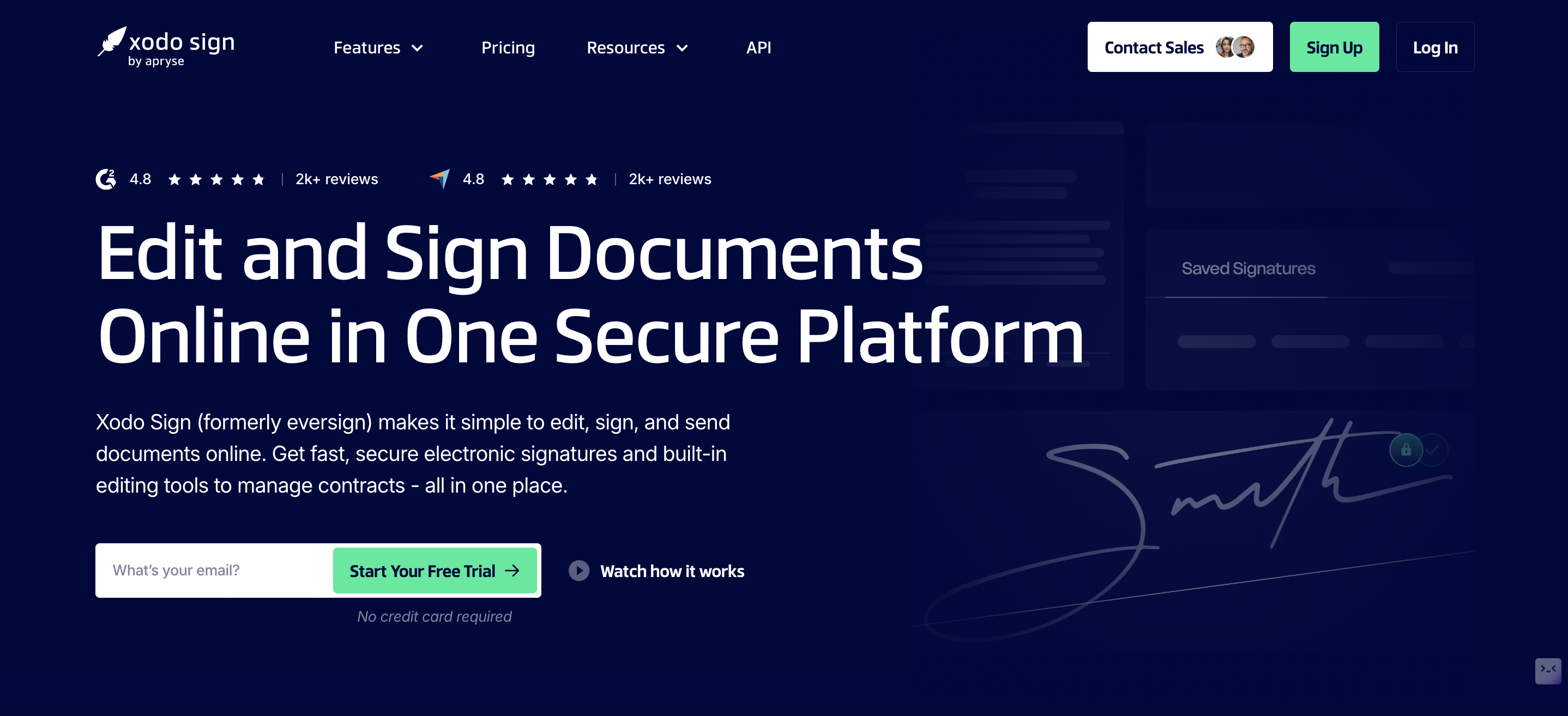
Formerly eversign, Xodo Sign offers an affordable entry point for smaller organisations that want legally binding e-signatures without enterprise complexity.
- Best for: Micro-businesses and cost-conscious SMEs seeking quick wins on common documents.
- Key features:
- Clean, intuitive web interface
- Flexible per-user or per-document pricing
- Basic templates and workflow automation
- Considerations: While perfect for everyday agreements, confirm that its audit and tamper evidence meet any sector-specific compliance requirements you face.
How to Choose the Right Tool for Your SME
Selecting a platform is easier when you break the decision into five checkpoints:
- Document Sensitivity and Assurance Level: Decide if basic e-signatures suffice or if you need advanced, certificate-backed signatures for regulated documents
- Integration Requirements: List the CRMs, accounting packages and cloud drives you cannot live without, then shortlist vendors offering native connectors or robust APIs
- Usability and Adoption: Look for drag-and-drop builders, templates and mobile signing to minimise training time
- Pricing Model and Scale: Compare per-user versus per-envelope pricing and watch for must-have features locked behind higher tiers
- Compliance and Audit Needs: Ensure every signed document includes an immutable audit trail and identity verification proportional to the risk
| Also Read: Email Authentication Mandates by Gmail & Yahoo: Deadline for Compliance |
Implementation: Pilot, Integrate, Scale
A controlled pilot keeps costs down and reveals integration gaps early:
- Pick a High-Volume Document: Sales contracts, NDAs or new-hire forms work well.
- Map the Current Workflow: Capture cycle time, error rate and approval bottlenecks as your baseline.
- Configure Templates and One Core Integration: For example, push signed contracts straight into your CRM’s opportunity record.
- Run a Month-Long Pilot with a Small Team: Gather feedback, track metrics and iterate.
- Plan the Wider Rollout – Use pilot insights to finalise governance, permissions and training materials.
Keep initial automations simple; overly complex routing can stall adoption. Document a lightweight signing policy detailing assurance levels, verification steps and retention periods so staff know exactly when and how to use each signature type.
| Pro Tip: Run a one-month pilot on your most frequent document type (e.g., sales contract or NDA) and track cycle time and errors. It reduces risk and clarifies integration needs without heavy upfront investment. |
Integration Best Practices To Improve Document Workflow
Integrations unlock the real efficiency gains:
- CRM and accounting connectors automatically attach signed documents and status updates to customer or supplier records, eliminating manual uploads.
- Cloud storage integration keeps final, tamper-evident files in a single, searchable location with proper retention policies.
- APIs and webhooks let you trigger notifications, update dashboards or kick off downstream tasks when a document is signed
Set up templates and bulk-send features early to scale recurring workflows, such as onboarding or supplier agreements. During your pilot, validate how connector permissions and data mapping work so you avoid double entry and compliance gaps later.
Adoption, Training And Governance
Smooth adoption hinges on clear communication and visible early wins:
- Deliver short, role-based training sessions and circulate quick-reference guides.
- Recruit power users as champions to troubleshoot queries and showcase benefits in real time.
- Define who can create, send and archive documents, and store configuration decisions in a simple change log.
- Maintain an audit policy that spells out retention periods, evidence exports and signer verification levels.
Small measures like these ensure new workflows stick and scale sustainably.
Make Digital Signatures a Proven, Scalable Advantage
Digital signature integration delivers faster approvals, lower error rates and airtight auditability without heavy IT overhead.
Begin with a narrow pilot on a high-volume document, measure cycle-time improvements and lock in the integrations you rely on most. Choose a vendor that balances user-friendly design with the right assurance level and connectors your teams already use, then expand across sales, procurement and HR once the value is proven.
At Crazy Domains, we provide the reliable domains, hosting and security foundations that keep your digital workflows running smoothly, so every signed document moves faster, safer and with total confidence.
Connect with our team now for more details!






