

| A CRM helpdesk is a software system that integrates customer relationship management with support ticketing, live chat, and web forms to centralise interactions in a single timeline. When embedded on a website, it captures clicks, messages, and form data, enabling agents to respond more quickly and with complete context. For SMEs, agencies, and developer teams, this reduces back-and-forth emails, keeps records clean, and converts browsing sessions into support tickets and qualified leads. |
When a customer pings your live chat or fills out a form, the clock starts ticking. A CRM helpdesk that plugs straight into your website pulls every moment, including clicks, messages, and form fields, into a single timeline so agents can reply faster and with full context.
For SMEs, agencies, and developer teams, this means fewer back-and-forth emails, cleaner customer records, and the ability to convert browsing sessions into both support tickets and qualified leads.
Domain and email foundations also affect how smoothly notifications flow. If your DNS or MX records are hosted with a provider, ensure they are properly configured before activating any tool.
How We Evaluated These CRM Helpdesk Tools
Choosing a tool was less about shiny dashboards and more about how effortlessly it snaps into a website stack:
- Ease of Website Integration: Widgets, SDKs, embeddable forms, webhooks, and REST APIs
- Data Mapping & Field Sync: CRM ↔ web form ↔ helpdesk ticket consistency
- Automation & Routing: Triggers from site events such as form submits or churn signals
- Developer Friendliness: clear docs, sandbox environments, and sample code for fast proofs-of-concept
- Security & Compliance: role-based access, SSO options, data residency controls
- Pricing & Scalability Signals: Free trials, modular tiers, and exportable data to avoid lock-in
- Real-World Signals: Trial experience, vendor support responsiveness, and an active community
| Also Read: Best CRM Software for Small Businesses: Top Tools Compared |
Quick Buyer Map: Lightweight vs Full-Featured CRM Helpdesk
Follow this guide to quickly decide whether your team needs a plug-and-play helpdesk for instant chat and ticketing, or a full CRM platform with deeper automation, analytics, and scalability:
- Need instant chat + ticketing with almost no code? Select a lightweight helpdesk solution that offers plug-and-play widgets.
- Require deep CRM records, omnichannel automation, and analytics? Opt for a unified CRM helpdesk platform; setup is more complex, but the ROI increases with scale.
- Agencies & Dev Shops: Favour tools with white-label branding, robust APIs, and exportable data.
- Micro Checklist: volume of conversations, in-house dev bandwidth, custom workflow needs, multi-brand or multilingual support.
Top 6 CRM Helpdesk Tools That Work Seamlessly with Websites
Below are six options that keep customer service integrations smooth, each summarised in three fast-scan bullets:
Zendesk
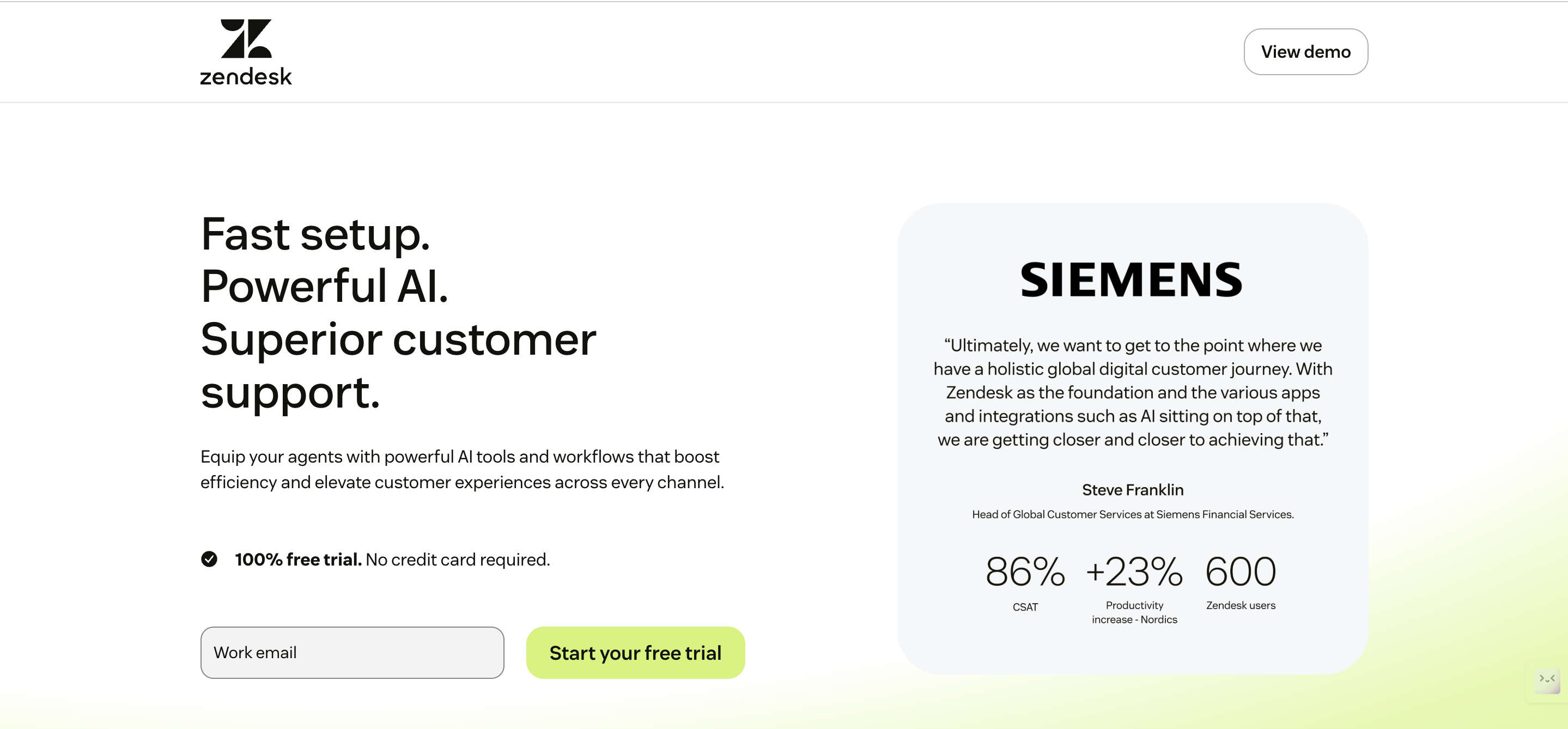
- Best for: Teams needing mature ticketing plus chat and an ocean of pre-built web integrations.
- Website integrations: Embeddable Web Widget, JavaScript APIs, webhooks and an Apps Framework for custom UI.
- Implementation tip: Map web form fields to existing Zendesk user fields early to avoid duplicate contact records.
HubSpot Service Hub
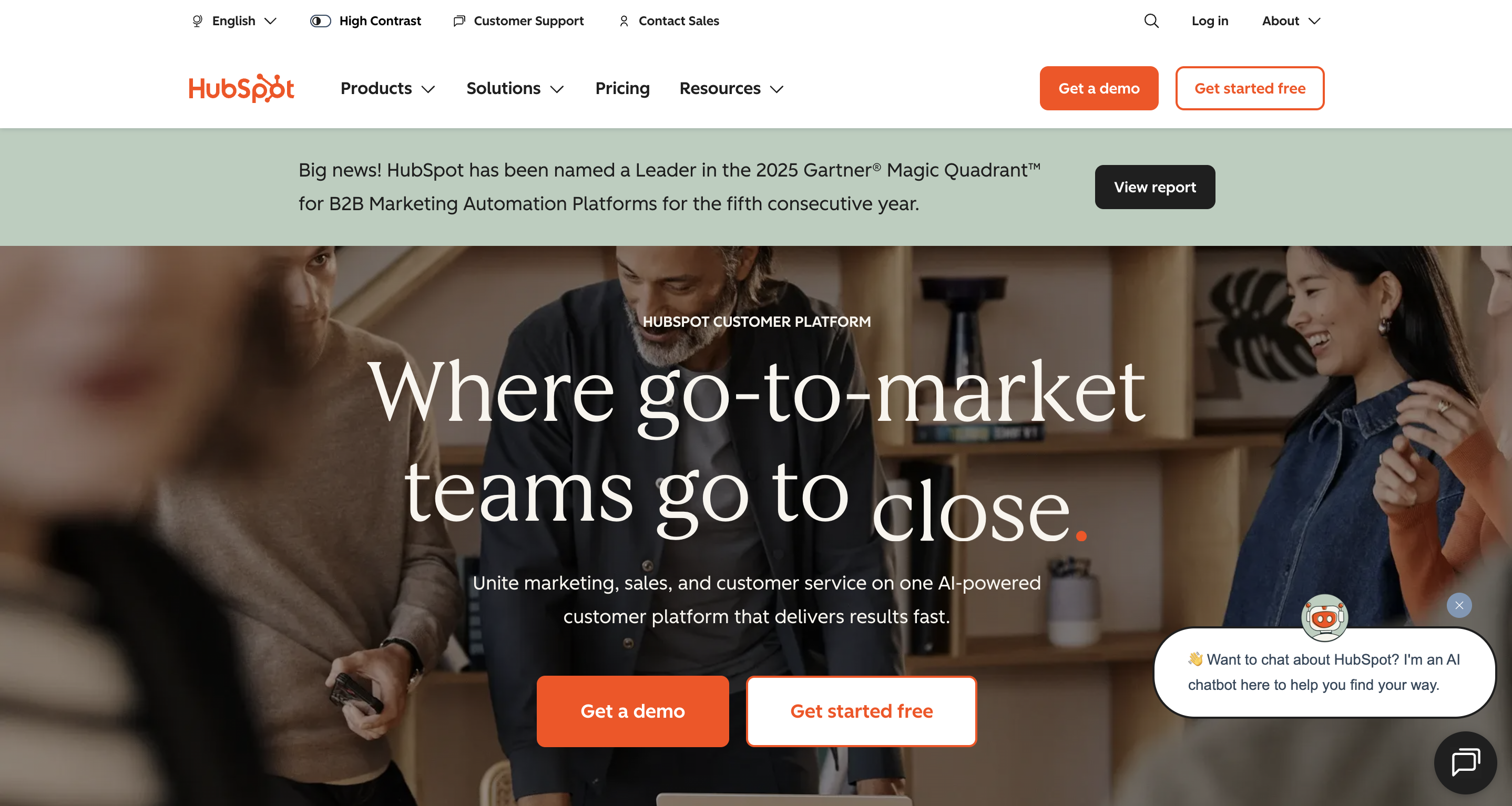
- Best for: Teams that want support for data living in the same CRM that powers marketing and sales.
- Website integrations: HubSpot tracking code, drag-and-drop forms, Conversations inbox, and JavaScript SDKs.
- Implementation tip: Utilise the contact timeline to ensure every site interaction is displayed alongside tickets, providing a comprehensive 360° view.
Intercom
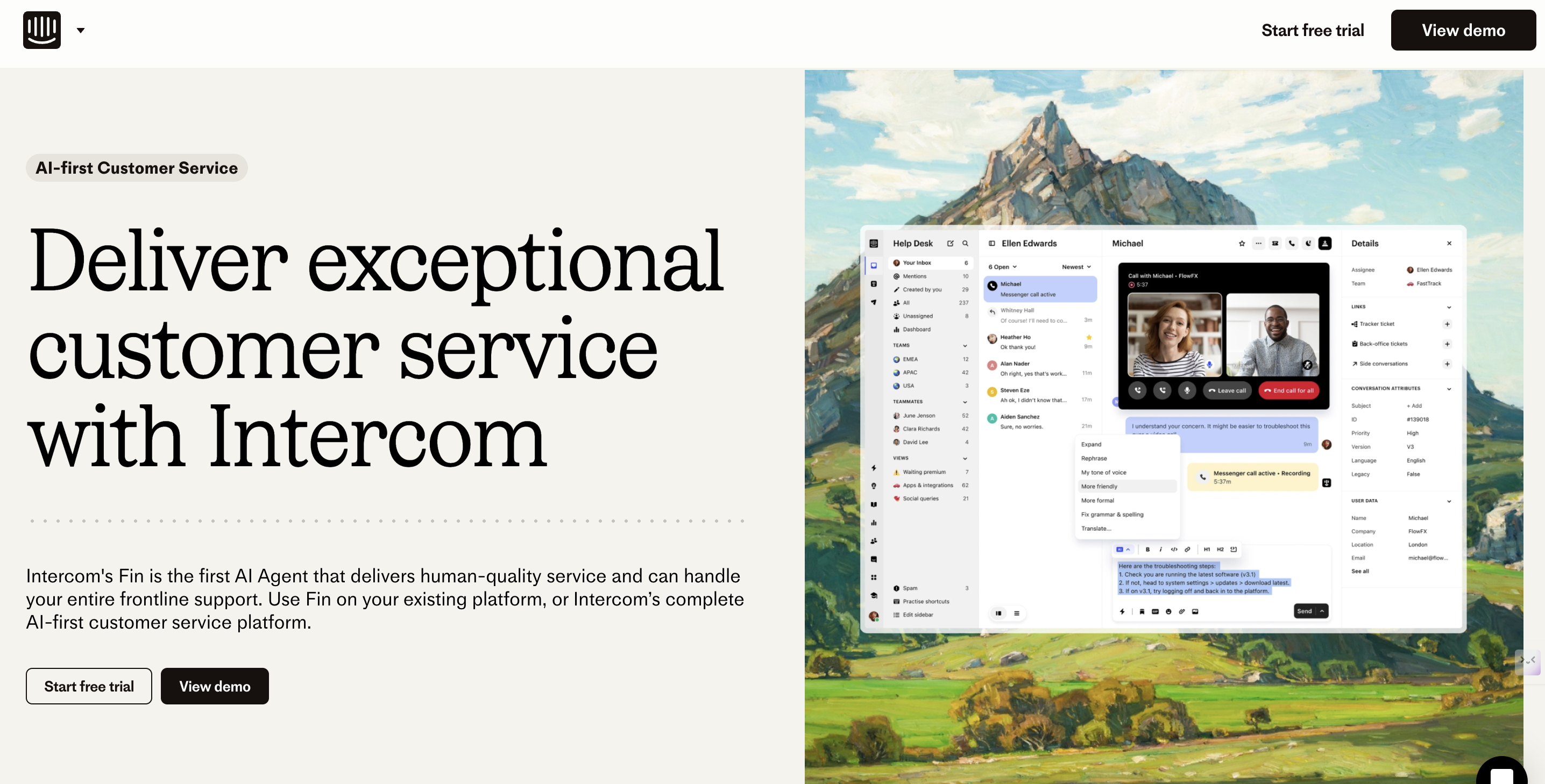
- Best suited for: Proactive messaging and product-led growth teams that require in-app/site chat flows.
- Website integrations: Messenger widget, flexible JavaScript API, and event tracking for precision routing.
- Implementation tip: Push custom site events (e.g., “clicked-pricing”) to user properties so inbox rules trigger context-rich replies.
Zoho Desk
- Best for: Budget-conscious teams seeking a modular CRM with helpdesk features.
- Website integrations: Embeddable webforms, ASAP widget, and extensive REST APIs.
- Implementation tip: Set role permissions and SSO on day one to protect customer data during periods of rapid growth.
Help Scout
- Best for: SMBs that prefer email-centric support with on-site beacon chat.
- Website integrations: Beacon widget, open API, and an apps marketplace for popular web tools.
- Implementation tip: Combine shared mailboxes with customer profiles to maintain context as conversations transition between email and chat.
Implementation Checklist: Integrate a CRM Helpdesk with Your Website
Follow this checklist to integrate a CRM helpdesk with your website smoothly:
- Prepare domain & email foundations: Verify DNS, SPF, and MX records. Domain providers, such as BigRock, often bundle easy-to-use DNS dashboards for quick tweaks.
- Embed widget or SDK: Load scripts asynchronously to protect page speed.
- Map web form fields: Document canonical names so CRM, helpdes, and analytics all speak the same language.
- Set up webhooks: Forward real-time events, such as order confirmations or subscription changes.
- Configure SSO or secure tokens: Pass authenticated user context without exposing PII.
- Enable basic automation: Auto-assign, prioritise, or tag tickets based on form source.
- Test end-to-end: From anonymous visitor → live chat → ticket → CRM contact merge; fix gaps before launch.
Common Integration Pitfalls and How to Avoid Them
Here are some frequent issues teams face when connecting CRM helpdesks to websites, along with practical fixes to keep data and workflows running smoothly:
- Duplicate contacts: Use an email address or a unique customer ID as the canonical identifier across forms and the CRM.
- Slow widget performance: Consider lazy-loading or deferring scripts, and compressing assets.
- Lost context: Pass session metadata via cookies or hidden form fields to display browsing history in tickets.
- Misaligned fields: Maintain a single source of truth document and schedule regular sync audits.
- Notification failures: Recheck DNS, MX, SPF, and DKIM records; your domain registrar (BigRock or similar) should provide easy verification steps.
| Also Read: How to Migrate Your Website to a New Domain: A Step-by-Step Guide |
Secure Your Domain and Launch Your CRM Helpdesk with Confidence
Choosing the right CRM helpdesk comes down to matching features with your team’s bandwidth and growth plans while ensuring website events flow cleanly into customer records.
Use the evaluation criteria, implementation checklist, and trial playbook above to find your fit—and remember to lock down domain and email configurations early to prevent notification issues.
Ready to put theory into practice? At Crazy Domains, we make it simple to secure your domain, set up professional email, and configure DNS records correctly, so your CRM helpdesk integrations run smoothly from day one. Get started now!






