

| A CMS domain refers to a registered web address paired with a content management system (CMS) such as WordPress, Joomla, or Drupal to publish and manage digital content. When integrated with a .au namespace, it not only ensures local eligibility and compliance but also boosts trust and relevance for Australian audiences. Successful integration requires matching the right CMS to business needs, choosing reliable Australian hosting, and following structured migration and security practices. |
Launching a website today is about more than just design. It starts with making the right choices around domains, hosting, and the content management system (CMS) that powers your site.
For Australian businesses, a .au domain adds credibility, trust, and local relevance, while the CMS provides the flexibility to scale from simple sites to complex digital platforms.
With the global CMS market continuing to grow rapidly (Statista), organisations are under pressure to make smart technical decisions from the start. Selecting the right namespace, matching it with reliable Australian web hosting, and ensuring smooth deployment can determine not only how fast a site goes live, but also how secure and future-ready it will be in the long run.
Read on to explore how thoughtful domain choices, the right CMS, and dependable local hosting can set the foundation for a high-performing Australian website.
How .au Domain Choice Affects CMS Projects
A CMS domain does more than act as an address; it signals trust, eligibility and local relevance. Within the .au space you can register:
- com.au: reserved for commercial entities with an Australian Business Number (ABN) or Australian Company Number (ACN).
- .au (direct): open to any Australian presence, offering shorter branding but still subject to auDA policy.
Eligibility rules require evidence such as an ABN, ACN or exact-match trademark at registration time. Ignoring those checks risks rejection, suspension or disputes when renewals come around.
When should you choose which?
- com.au: ideal for SMEs that want an unmistakably commercial identity.
- .au (direct): useful if your brand is broader than a business entity name, or if you want a shorter URL for marketing campaigns.
Because priority contention can arise (e.g., the same label already exists in com.au), gather ABN or trademark evidence before you hit “buy” and store it safely for registrar audits. Many registrars surface a quick eligibility wizard that saves time and prevents failed registrations.
| Also Read: The Non-Tech Savvy Guide to Setting Up a WordPress Website |
Choosing the Right CMS: WordPress, Joomla, or Drupal
The CMS you pick must align with skills, budget and long-term growth plans.
1. WordPress
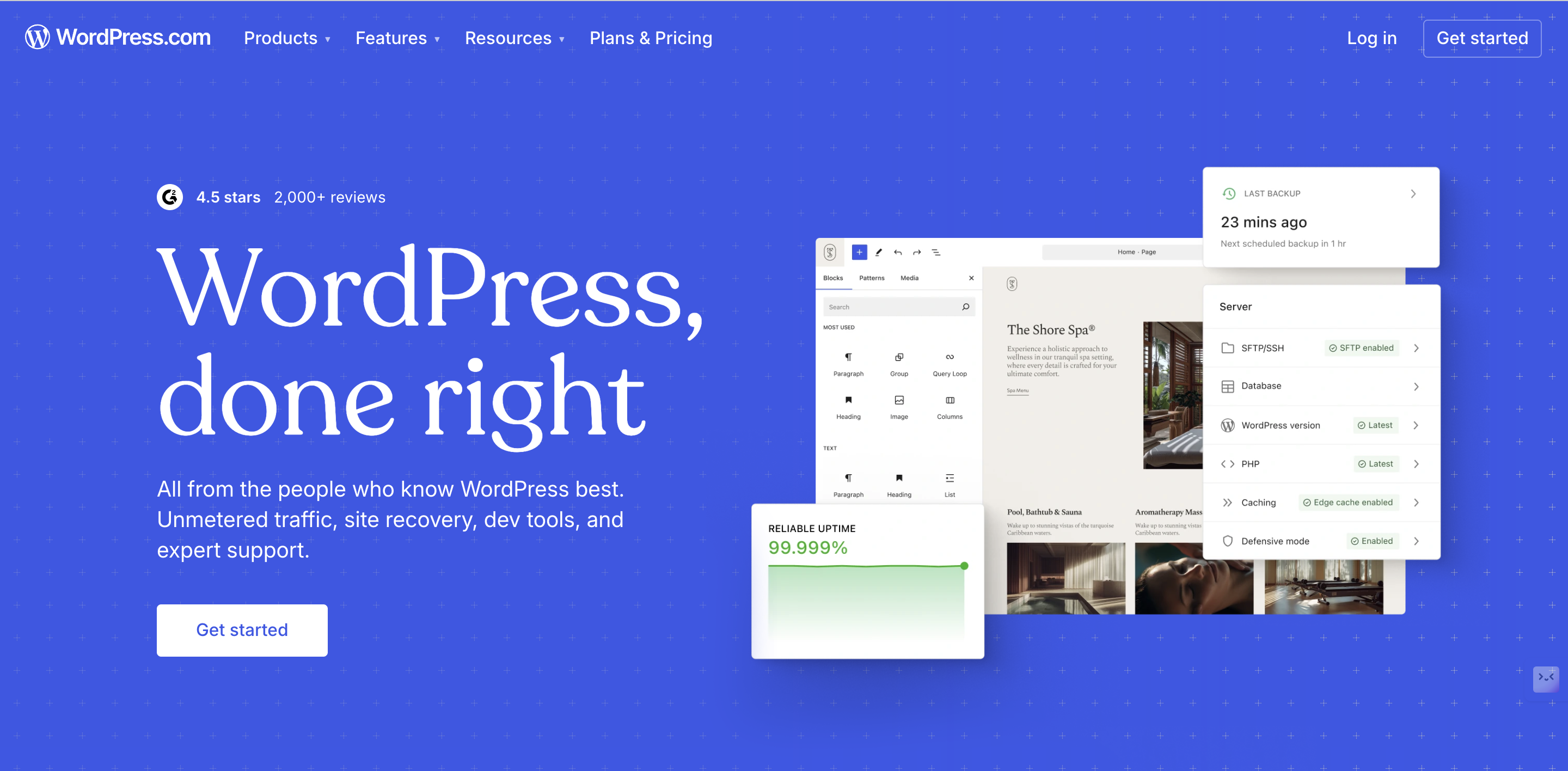
Best for rapid launches where marketing agility outranks deep customisation.
Strengths
- One-click installers and thousands of themes/plugins keep up-front cost low.
- Massive community and agency ecosystem for local support.
Limitations
- Larger plugin attack surface means disciplined patching and backups are essential.
WordPress pairs smoothly with a CMS domain when speed-to-market and local SEO are top priorities.
2. Joomla
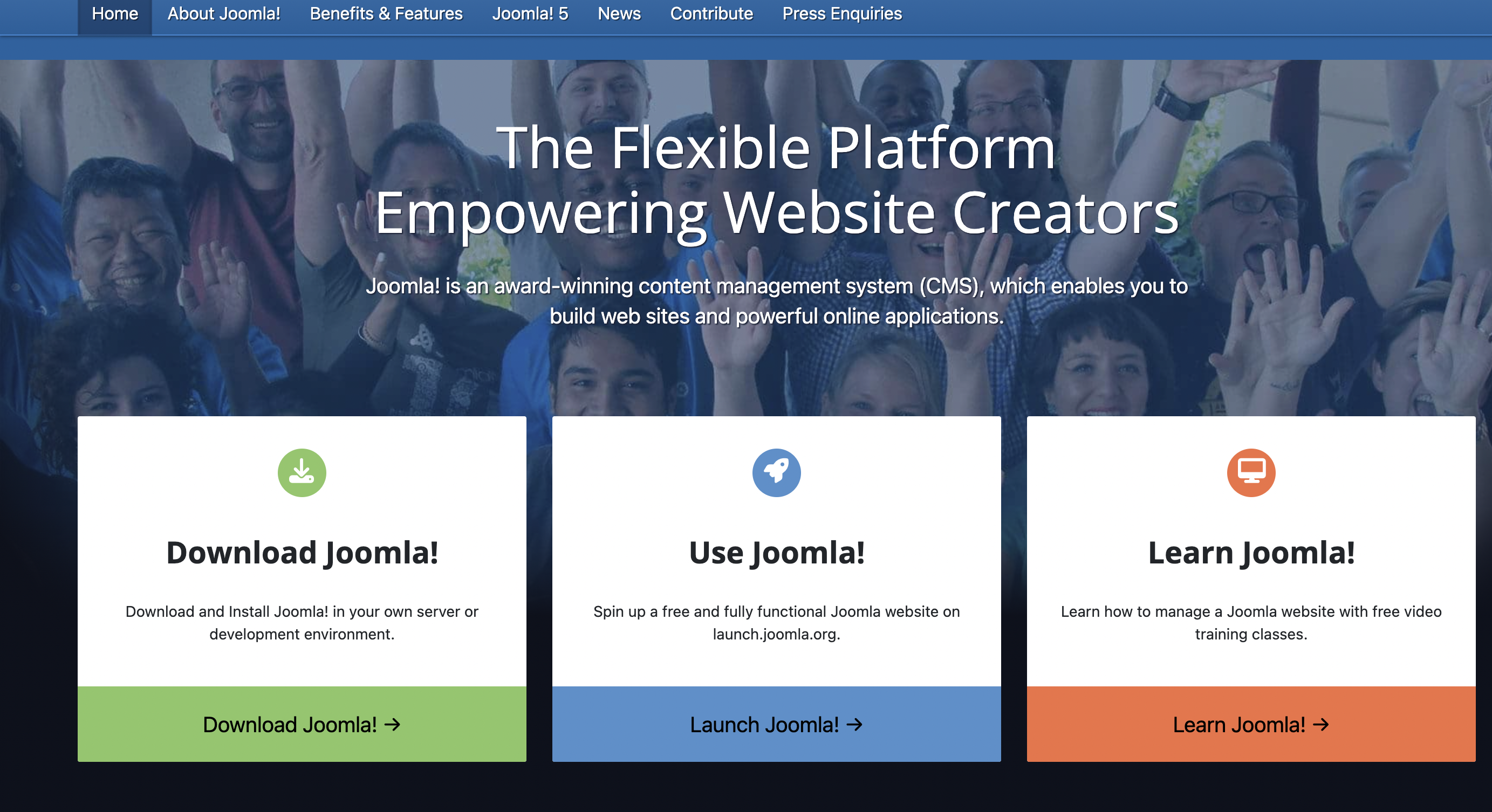
Ideal for mid-complexity builds—think directories, member portals or multi-location “Joomla for local business Australia” cases.
Strengths
- Native content types and granular access control.
- Good balance between ease-of-use and structural flexibility.
Limitations
- Smaller extension library than WordPress, so vet add-ons carefully for feature gaps.
When you need structured content without Drupal-level overhead, Joomla sits in the sweet spot.
3. Drupal

The enterprise workhorse for complex data models, integrations and security-first mandates.
Strengths
- Fine-grained roles, robust APIs and proven scalability.
- Designed to integrate with CRMs, ERPs and custom microservices.
Limitations
- A steeper learning curve and higher hosting requirements demand developer resources.
Choose Drupal when compliance, advanced workflows or multi-site governance outweigh launch speed.
Hosting & .au Domain Setup
Great code on slow infrastructure frustrates users. Local Australian web hosting reduces latency and satisfies data-residency expectations.
Hosting Tiers
- Shared Hosting: Cost-effective for low-traffic WordPress/Joomla sites.
- Managed WordPress/Joomla Plans: Patch management and caching handled for you—ideal for growing SMEs.
- VPS or Dedicated Servers: Needed for Drupal or high-traffic portals that require guaranteed CPU/RAM and SSD or NVMe storage.
DNS & Domain Setup Checklist
- Nameserver Delegation: Decide whether your registrar or hosting provider manages DNS; avoid split setups unless you have clear governance.
- Core Records: Create A or AAAA records for root and www, MX records for email, and TXT records for SPF/DKIM. Add CNAME for CDN if used.
- TTL Strategy: Lower TTL to 300s 24 hours before migration to speed propagation; raise it after cutover.
- Security: Enable DNSSEC where supported and lock the domain to prevent hijacking.
Deployment & Migration Best Practices to Follow
Smooth launches rely on preparation and rollback options.
-
One-Click Installers: Great for proofs-of-concept or small business sites
-
Manual Installs: Better for enterprises with custom structures and caching needs
Migration playbook:
- Audit plugins, media, and DB size
- Back up and test on staging
- Cut over DNS during off-peak, validate SSL/email before going live
- Keep verified backups ready for rollback
- Test logins, forms, analytics, speed, and mobile rendering
Security, Privacy & Ongoing Maintenance
Open-source CMS platforms evolve constantly. Stay disciplined with:
- Update Cadence: Daily backups, weekly updates, quarterly audits
- Hardening Basics: Remove “admin” usernames, enforce MFA, restrict file writes
- Managed Services: Malware scanning, WAFs, and staging for lean teams
- Privacy Compliance: Cookie-consent banners, clear notices, retention policies in line with Australian regulations
Decision Checklist & Recommended Next Steps
Follow this checklist to launch your .au site with confidence:
- Confirm .au eligibility (ABN/ACN/trademark) before purchasing a CMS domain.
- Match CMS to team skills and scale—WordPress for speed, Joomla for structure, Drupal for enterprise depth.
- Select a hosting tier that aligns with your traffic and complexity; opt for Australian web hosting to minimise latency.
- Plan migrations with staging, backups and TTL tweaks; perform post-install security hardening.
- Establish a maintenance schedule and document privacy practices.
| Also Read: Setting Up Your First WordPress Website with a .com.au Domain: A Guide |
Final Recommendations and How to Get Started
Choosing the right .au namespace, pairing it with a well-suited CMS, and hosting it on reliable local infrastructure can speed up launches, improve performance for Australian users, and reduce long-term risks.
Want a simpler way forward? Get started with Crazy Domains’ managed services to secure your business and keep your website running smoothly.
We not only handle hosting and domain setup but also provide automated backups, one-click CMS installations, and local support, so you can focus on growth while we take care of the technical details. Get started today!






