
|
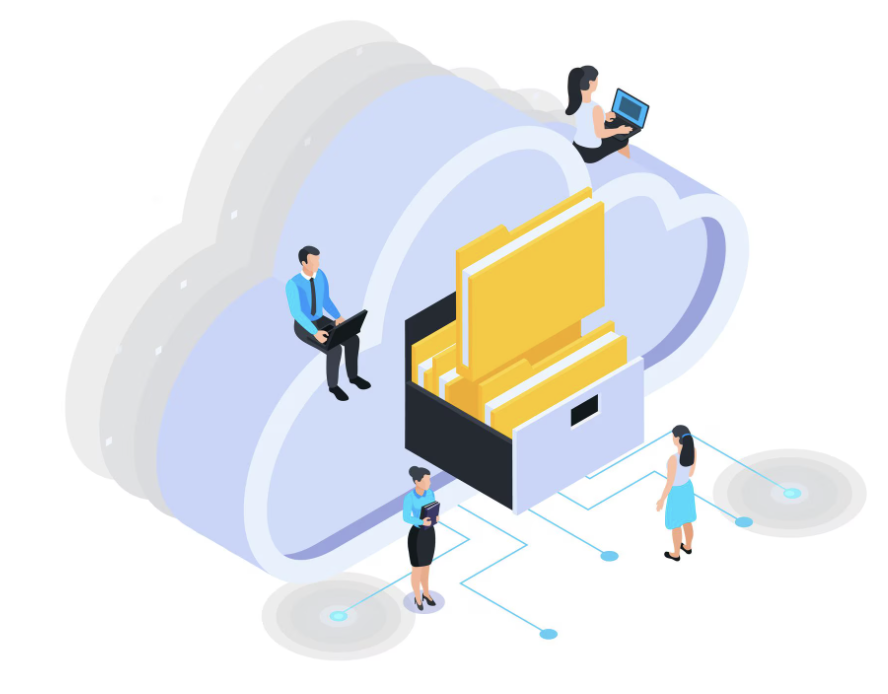
Sensitive files move across tools, identities and networks, creating exposure points where misconfigured access, weak links and unmonitored sharing amplify risks that encryption, policy alignment and resilient backup practices are designed to contain. |
A misplaced link. One external contractor. Suddenly, your design files are public, the project stalls, and trust erodes. These incidents happen because files travel through many apps and people before a deadline passes.
When every share, sync and backup is stitched together by thoughtful cloud storage integration, that risk shrinks fast. Encryption wraps each transfer, access controls follow least-privilege, and immutable backups wait in the wings. The result is fluid collaboration without the sleepless nights that follow data leaks or downtime.
This guide shows practical ways to harden those integrations, govern sharing and rehearse recovery so you can keep building, shipping and selling with confidence.
Why Cloud Storage Integration Matters For Your Business
Cloud storage integration connects your storage platform to the apps, identity systems and workflows your teams use every day. Done poorly, misconfigured APIs, excessive link sharing and unmanaged guest accounts open rich attack paths. Done well, it delivers secure file sharing, central visibility and rapid recovery.
Missteps in integration are a leading cause of data exposure because weak service accounts or public links bypass perimeter controls. By contrast, integrated identity federation and consistent policies translate into fewer hand-offs and stronger audit trails.
Productivity also climbs. When design tools, accounting software and ticketing systems talk to the same storage backend, version conflicts vanish, and work stays searchable. SMEs gain predictable bills and simple management, developers receive reliable APIs, and agencies keep client files under tight control.
| Also Read: What Is Cloud Hosting and How It Works for Your Business |
Shared Responsibility and Architecture Choices
A secure posture starts with clear ownership and a fit-for-purpose architecture.
Map Shared Responsibilities
Cloud providers safeguard physical infrastructure, hypervisors and regional redundancy, while customers own data classification, identity, configuration and backup policies. Document these divisions –
- Who manages encryption keys?
- Which team approves external shares?
- Who restores data during an incident?
Keeping this one-page map handy speeds audits, clarifies incident roles and prevents critical gaps.
Choose an Architecture Pattern That Matches Risk and Cost
Single-cloud architectures suit many SMEs because policies, identity and billing stay in one place. Multi-cloud or hybrid patterns add resilience and geographic reach, yet they increase integration complexity around network segmentation, SAML/OIDC federation and policy alignment.
Start with a diagram of every data flow, noting where files enter, move and exit. Validate controls for each leg: TLS in transit, scoped service accounts at endpoints, consistent logging everywhere.
Enterprises handling regulated workloads often adopt multi-cloud for latency or compliance zones, but only after automating policy propagation and central monitoring. Whichever path you choose, review the design quarterly as workloads evolve, cloud storage integration is never “set and forget”.
Defence-In-Depth: Encryption, Access Controls and Zero Trust
Integration security rests on layered controls that assume breach and verify every access.
Encryption Across Transit, At Rest and In Use
Encrypt data during transit with TLS 1.2+; encrypt at rest with provider-managed or customer-managed keys, balancing convenience against full key ownership.
Emerging “encryption in use” techniques, such as confidential computing, protect data during processing, useful for sensitive analytics pipelines. Review key rotation schedules and test decrypt-restore drills to prove readiness.
| Also Read: The Growing Importance of TLS 1.3 for Australian Websites |
Identity, Least Privilege and Strong Authentication
Grant access on a need-to-know basis. Use role-based access control and scoped service accounts for integrations, never broad “owner” roles. Enforce MFA or password-less methods for users, rotate service credentials automatically, and audit roles every quarter. Removing dormant keys is the fastest way to shrink your attack surface.
Secure APIs and Zero Trust Principles
Lock down APIs with scoped keys, rate limits and signed requests. Apply strict CORS policies so browser-based apps can only call approved endpoints. Embrace Zero Trust. Authenticate every call, evaluate context continuously and log each decision.
These steps turn cloud storage integration into a predictable, monitored pathway rather than a blind spot, critical for secure file sharing across modern toolchains.
| Also Read: The Shift Toward Zero Trust Hosting Environments in Australia |
Secure File Sharing and Governance
Collaboration should be seamless without opening data floodgates.
Practical Controls for Secure File Sharing
Require link expiry dates, granular permissions (view, comment, edit), download blocking and watermarking where needed. Attach data loss prevention (DLP) rules to storage events so regulated data cannot leave approved channels.
Capture every external share in audit logs, trigger alerts for unusually large transfers and review reports weekly. By aligning policies with user experience, you avoid shadow IT workarounds while keeping auditors satisfied.
Policy, Training and Onboarding
Draft clear policies for internal, client and supplier collaboration. Limit guest access to scoped roles and approved channels. Provide short, role-based training during onboarding and a one-page guide for partners outlining acceptable use.
Schedule a six-monthly policy review and a monthly sweep of external shares. Combining human awareness with automated enforcement turns secure file sharing from theory into routine practice.
Resilience: Backups, Immutable Copies and Recovery Rehearsals
Backups fail when they are forgotten.
- Automate daily snapshots and enable immutable copies that cannot be altered, even by administrators.
- Keep recovery artefacts in an isolated account or region to resist ransomware.
- Define recovery point objective (RPO) and recovery time objective (RTO) targets, then test them through quarterly tabletop exercises and at least one full restore each year.
- Document runbooks so every dependency, like DNS, identity, and application keys, returns in the correct order.
- Finally, integrate backup tools into identity and logging systems so restores are authorised and auditable, maintaining trust across the entire cloud storage integration landscape.
Implementation Checklist for SMEs and Developers
- Map sensitive data flows and label each dataset.
- Enforce MFA and RBAC for all storage access.
- Use short-lived credentials; rotate keys automatically.
- Enable link expiries, DLP scans and audit logging for external shares.
- Automate immutable backups and schedule rehearsals.
- Document shared responsibility and update provider SLAs.
Developers: implement scoped service tokens and validate every third-party connector against DLP policies before production rollout.
| Pro Tip: When granting external partner access, issue short-lived guest accounts with scoped roles and mandatory DLP scanning on uploads; combine link expiry with an automated review reminder so temporary access is removed after collaboration ends . |
Make Cloud Storage Your Safest Asset
Map responsibilities, layer encryption, least-privilege and Zero Trust, govern every share and automate immutable backups with rehearsed recovery. These actions create a resilient, compliant and collaboration-friendly file platform.
Crazy Domains provides secure cloud hosting, domain protection, automated backup tools and streamlined integrations that enhance data security, improve access governance and support resilient file workflows for businesses of all sizes.
Protect your data with confidence. Secure fast, reliable cloud hosting and smart backup solutions from Crazy Domains today!






