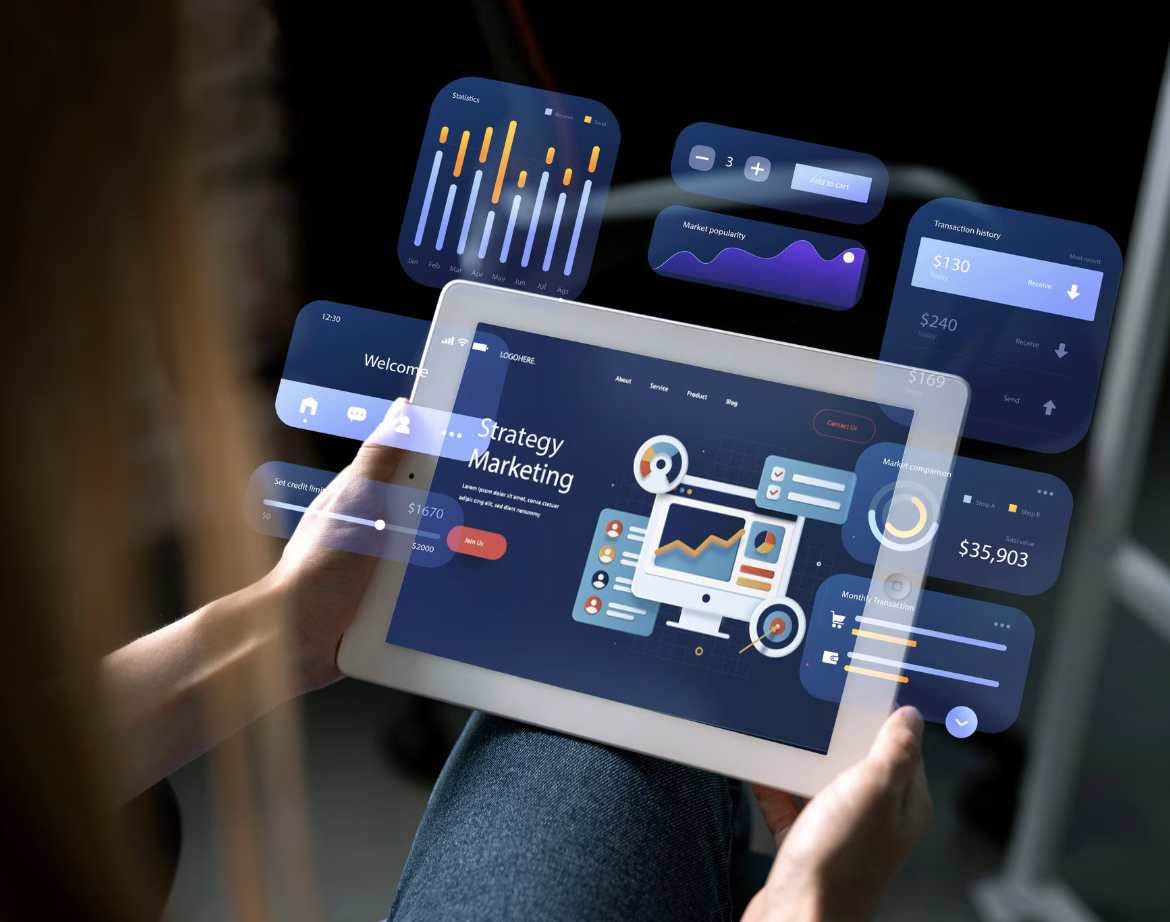
| Augmented reality websites use WebAR technology to overlay 3D objects, product models, and interactive elements directly in a shopper’s real environment through the mobile browser, without any app installs. |
A shopper points their phone at an empty corner of their living room, drops a full-scale 3D sofa into view, tweaks the fabric colour, then taps “Buy now” with total confidence.
This is not a pricey native app: it happens inside a standard mobile browser. For small and medium enterprises, such friction-free augmented reality (AR) moments reduce product returns, trim return rates, and make brands unforgettable.
This guide helps SME owners, enterprise teams, digital agencies and developers decide if an augmented reality website can solve real commerce pain points, not just add novelty. Expect actionable pilot steps, UX, and measurement frameworks—no vendor pitch, only pragmatic advice. Read on!
Why SMEs Should Consider An Augmented Reality Website
Augmented reality tackles three stubborn e-commerce problems: it shows scale and fit accurately, boosts conversion on high-consideration items and builds product confidence that survives checkout.
- According to recent analyses, SMEs using AR report sharper customer trust and higher engagement for products where “will it look right in my space?” is the main blocker.
- Fewer surprises post-delivery mean cheaper reverse logistics and happier reviews, translating into lower returns and bigger average baskets.
- Categories that win fastest include furniture, homewares, eyewear, fashion accessories, and bespoke fittings—anything whose dimensions, finish, or style are hard to judge from flat photos.
- Interactive e-commerce is rising fast; configurators let users spin, zoom and customise products, while AR provides the “place it here” or “try it on” step that closes the gap. If your catalogue shows high return or abandonment rates on a small group of SKUs, piloting WebAR on those items is often the smartest starting point.
| Also Read: How to Create a Website for a Small Business |
High-Value Use Cases: When AR Moves The Needle
Before modelling every product, focus on AR where it genuinely changes behaviour.
Product Visualisation (Place-In-Scene)
- Reduce Perceptual Uncertainty: Allow shoppers to drop a 3D model into their own environment, solving doubts about scale and colour.
- Best For: Large or style-sensitive items: furniture, décor, bulky appliances.
- UX Outcome: Faster decisions and longer on-page engagement times.
Virtual Try-On
- Face and Hand Tracking: Glasses, jewellery, and cosmetics align precisely with facial landmarks, allowing users to assess style and fit.
- Business Impact: Premium SKUs experience fewer fit-related returns and higher conversion rates.
Configurators And Interactive Ecommerce Enhancements
- 3D Configuration: Customers swap materials, colours or modules in real time; selections flow straight into the cart
- Use Cases: Made-to-order furniture, customised gadgets, modular sheds.
Not every SKU merits AR: pick products where visual confidence directly affects purchase.
Practical Implementation Paths: WebAR, 3D Viewers And Integration
A successful roll-out balances technical feasibility with user reach.
WebAR vs Native Apps
- Define WebAR: Browser-based AR requires no install, easing entry and link sharing.
- Pros & Cons: Lower friction and broader reach, but device variability and GPU limitations remain. Native apps remain useful for ultra-high-fidelity or offline-heavy AR.
Modular, Staged Approach
- Start Small: Launch a single-product pilot in the existing CMS, measure, then iterate.
- Iterative Steps: Prototype → instrument analytics → optimise models → scale winning patterns.
Technical Choices & Integrations
- 3D Formats: Use glTF for compact, PBR-friendly delivery.
- Key Integrations: Cart deep links from AR view, social share buttons and event analytics must ship with the first build.
Device Compatibility And Performance
- Test Matrix: Cover major mobile browsers, tablets and desktop fallbacks.
- Model Optimisation: Keep poly counts lean, employ progressive texture loading and supply non-AR 3D viewers when cameras are unsupported.
UX, Accessibility And Content Design For AR
Great technology fails without considerate experience design.
Clear Onboarding And Affordances
- Provide single-tap entry points and short overlays that show users where to move or pinch to scale objects.
Accessible And Non-Intrusive Experiences
- Offer keyboard- or tap-only previews and image alt text for customers who cannot grant camera access. Permission prompts must be explicit and respectful.
Performance And Perceived Quality
- Bake realistic lighting into textures while enforcing strict performance budgets. Supply a quick-loading 3D preview for slow networks to keep the journey smooth.
Well-designed AR should lighten cognitive load, not add novelty friction.
Measuring ROI And Setting KPIs For AR Pilots
Without numbers, AR remains an unproven gimmick.
Core KPIs To Track
- Engagement: AR session starts, dwell time, share actions.
- Conversion: Add-to-cart and checkout rate uplift on AR-enabled SKUs versus control SKUs.
- Post-Purchase: CRO-focused metrics such as return rates and average order value shifts.
Instrumentation And Experiment Design
- Pipe AR events into GA4 or server-side analytics and tag sessions to purchases. Holdout or A/B tests reveal true causal impact.
| Also Read: The Future of Website Creation: How Crazy Domains AI-Powered Website Builders Are Redefining Online Presence |
Operational Readiness: Governance, Assets And Partnering
Sustained success hinges on process as much as tech.
AR Governance Checklist
Maintain a device compatibility list, complete privacy impact assessments and schedule content audits. Assign owners for 3D assets, analytics, QA and support queries.
3D Asset Pipeline And Efficiency
Reuse optimised models with level-of-detail versions and consistent naming. Apply texture atlasing, mesh decimation and glTF packaging to keep files small.
Vendor And Partner Criteria
Evaluate providers on optimisation practice, integration support and analytics hooks. SMEs often benefit most from partners offering phased delivery and knowledge transfer.
Security And Privacy Considerations
Request camera permission only when needed and never capture user images without explicit consent. Review vendor data-processing agreements carefully.
Step-By-Step Pilot Plan For An SME
A focused pilot de-risks investment and builds internal momentum.
Choose The Right Pilot SKU
Select a high-consideration item plagued by returns or cart abandonment.
Build A Lightweight Proof Of Concept
Create one optimised 3D model and embed a WebAR trigger on the product page with a clear “View in My Space” CTA.
Test, Instrument And Iterate
Run device-compatibility tests, fire analytics events, and collect qualitative feedback through quick surveys.
Launch And Measure
Use control groups to quantify impact, then refine assets and onboarding flows before rolling out to additional SKUs.
Product/Service CTA
Book a demo with a WebAR platform, start a free 3D viewer trial or request quotes from specialist agencies to compare timelines and costs.
| Pro Tip: If the budget is tight, convert an existing high-quality product photo into a lightweight 3D model for an initial WebAR proof; it is fast, inexpensive and validates user engagement before scaling. |
Launch Your First Augmented Reality Website Pilot with Confidence
Start small: target one product where visual certainty drives revenue, deploy WebAR to minimise friction, and track clear KPIs so the commercial impact is undeniable.
Treat UX, accessibility and data governance as first-class citizens alongside the tech stack. With a staged pilot, reusable assets and measurable goals, AR becomes a revenue engine rather than a novelty feature.
At Crazy Domains, we provide the fast, secure hosting and domain services you need to power modern, immersive online experiences. Start your AR-enabled shopfront today and scale confidently. Get in touch with us now!